

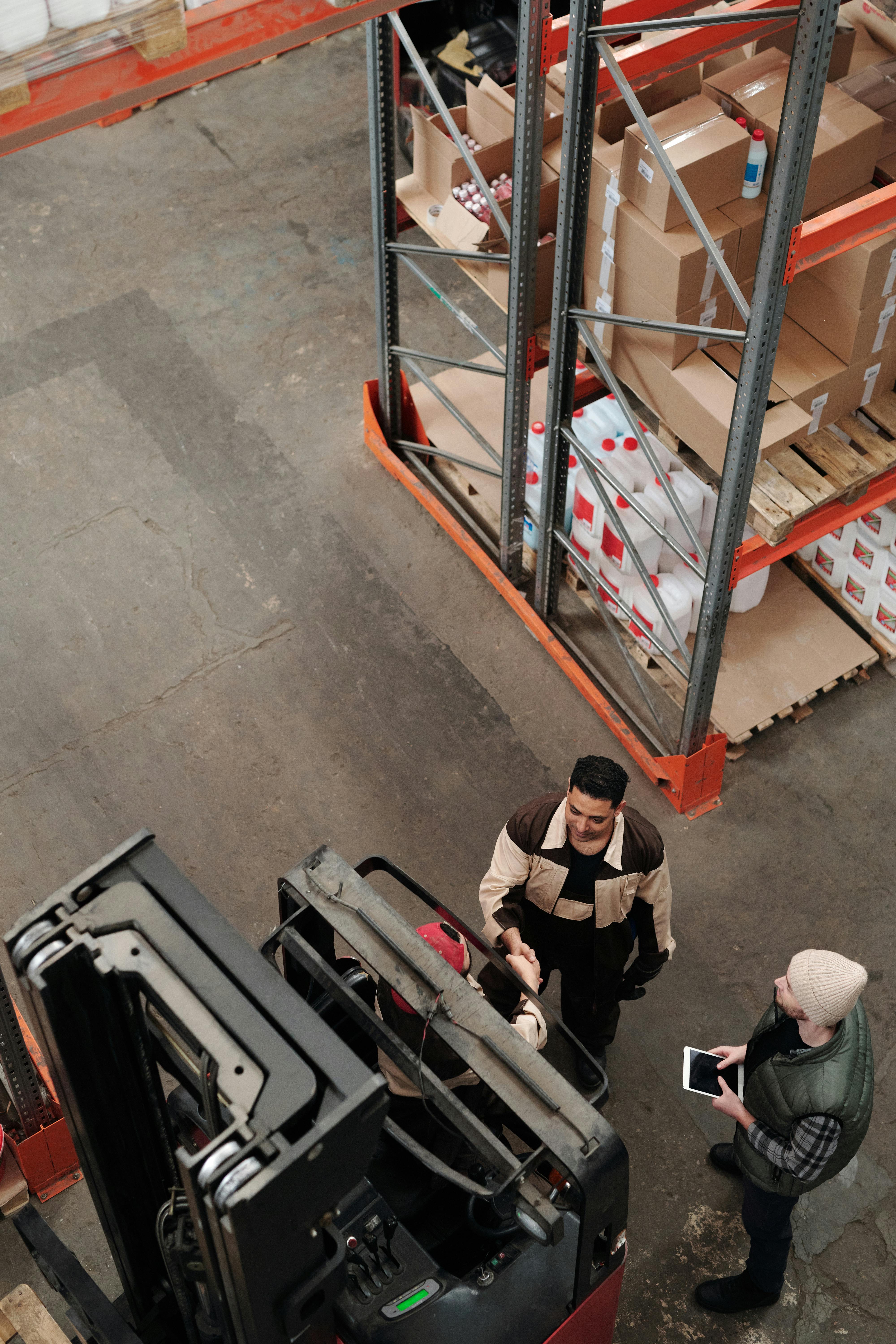
When managing EDI shipping, the difference between sandbox and production environments is critical for safe, compliant, and efficient processing of labels, ASNs, and invoices. According to Octasyn, validating every stage of an EDI workflow before it touches the live ecosystem is what protects against costly compliance errors during onboarding, integration, and system updates.
Key definitions
Sandbox environment: a dedicated testing instance that mirrors the production system but is isolated from real transactions, used to validate EDI mapping, label formats, and document generation without risk to actual shipments. Production environment: the live operational system where real orders, labels, ASNs, and invoices are created, transmitted, and acted upon by trading partners, carriers, and warehouses. EDI shipping: the electronic exchange of shipping orders, ASNs (856), invoices (810), and other logistics data between partners, including label printing and related documentation.
Why test EDI shipping in a sandbox environment?
- Risk mitigation: Sandbox testing ensures the formatting, data content, and sequencing of EDI documents and labels are correct, reducing the risk of rejected shipments or non-compliance chargebacks.
- Change management: Business rule updates, new trading partner requirements, or ERP upgrades can be evaluated and adjusted in sandbox before impacting production flows.
- Onboarding: Connecting new retailers or distributors is faster to troubleshoot and validate without risking real inventory or finances.
- Training: Staff learn new workflows, label handling, and exception management in a safe environment where mistakes carry no financial or compliance repercussions.
Step-by-step testing and release framework
-
01
Set up parallel sandbox and production environments. Mirror production integrations, label templates, and EDI mapping in the test instance.
-
02
Import and prepare sample orders. Upload test orders and SKU data that mirror real transactions.
-
03
Validate label generation. Produce and review all required labels — UCC-128/GS1, carrier, and custom retailer formats — for each scenario.
-
04
Test packing and ASN generation. Simulate single, multi-carton, and palletized packing scenarios, confirming ASN hierarchy and field mapping.
-
05
Validate invoice and document creation. Generate EDI invoices and pack lists, confirming content, IDs, and totals against sample data.
-
06
Run bidirectional EDI tests. Exchange test files between the platform, ERP, and trading partners to confirm mapping, receipt, and response workflows.
-
07
Conduct staff training and UAT. Have warehouse and IT staff run through workflows, catching usability issues before go-live.
-
08
Move configurations to production. Once tests pass and stakeholders sign off, release finalized mapping and labels, often with a controlled pilot period.
-
09
Monitor live transactions. During early production use, continue watching documents, labels, and system alerts to catch unforeseen issues.
Sandbox vs. production: environment comparison
| Feature | Sandbox | Production |
|---|---|---|
| Data safety | No impact on live orders | Affects real shipments and financials |
| Label/ASN/invoice output | Test formats until approved | Must be compliant and error-free |
| Integration scope | Connects to vendor test endpoints | Links to live ERP, trading partners, carriers |
| Risk | Zero business risk if errors occur | High risk of disruption, chargebacks, delays |
| Purpose | Experiment, validate, and train | Execute live business and compliance |
Best practices for testing EDI shipping and labels
- Always use sandbox first. Every new mapping, label template, or business rule change should be signed off in sandbox before going to production.
- Simulate edge cases. Test partial shipments, split orders, mixed carriers, and non-standard SKUs, not just the common path.
- Document every change. Keep detailed records of sandbox tests, label samples, ASN files, and mappings for reference and audit trail.
- Engage real users. Frontline operations, warehouse staff, and EDI coordinators should use the sandbox to practice, not just IT teams.
- Coordinate with trading partners. Send test shipments and files to external partners when required; some retailers demand proof of compliance before live transactions.
- Leverage monitoring in production. After go-live, use system alerts and dashboards to catch and resolve unexpected mapping or workflow changes immediately.
- Review with every upgrade. When updating ERP, WMS, or carrier integrations, repeat sandbox testing rather than assuming prior validation still holds.
Case study: Octasyn in action
Used a full sandbox environment to test bill of lading creation, multi-brand label generation, and ASN validation with retailer partners across Rit Dyes, Preval, and Endust — achieving faster processing and improved accuracy without disruption to live shipments.
Faster processing, zero live disruptionRigorously tested new integrations and volume spikes in sandbox before going live, maintaining 100% compliance with trading partners and fulfilling over 10,000 orders daily during peak periods with no system downtime or rejected shipments.
100% compliance, zero downtime at peakFrequently asked questions
What is the difference between a sandbox and production environment for EDI shipping?
A sandbox is a safe, isolated copy of your EDI system used for testing new integrations, label templates, document mappings, and workflow changes. Production is the live system handling actual orders, shipments, and invoices. Changes should be validated in sandbox before deploying to production to avoid costly errors or compliance failures.
Do I need a sandbox environment for every new trading partner or label change?
For best results, yes. A sandbox allows thorough testing of every new mapping, label, or trading partner integration before it impacts live shipments — especially important for retail EDI, where requirements change frequently and rejections can be costly.
How does Octasyn support safe EDI testing?
Octasyn delivers both cloud and on-prem sandbox environments tightly integrated with ERPs, 3PLs, major carriers, and trading partners, allowing customers to experiment, verify mapping, generate sample labels, and test full packing and shipping workflows before releasing anything to production.
What are the risks if I move changes directly into production?
Releasing changes into production without sandbox testing can cause shipment errors, rejected ASNs, chargebacks, or even suspended partner relationships if compliance is missed. A structured testing process helps eliminate those risks.
How can I learn more about rapid, compliant EDI shipping integrations?
Explore detailed resources on becoming retail EDI-capable quickly, or request a personalized demo and best practices review.
Validate before you go live. See how Octasyn makes sandbox-to-production EDI testing seamless for fast-moving and high-volume operations alike.
Talk to a shipping expert







.png)


